Tariff upload, cost transparency, reimbursement. All in one app
The LOCIO app records every charge at home and shows what gets reimbursed. For iOS and Android.

The app at a glance
-
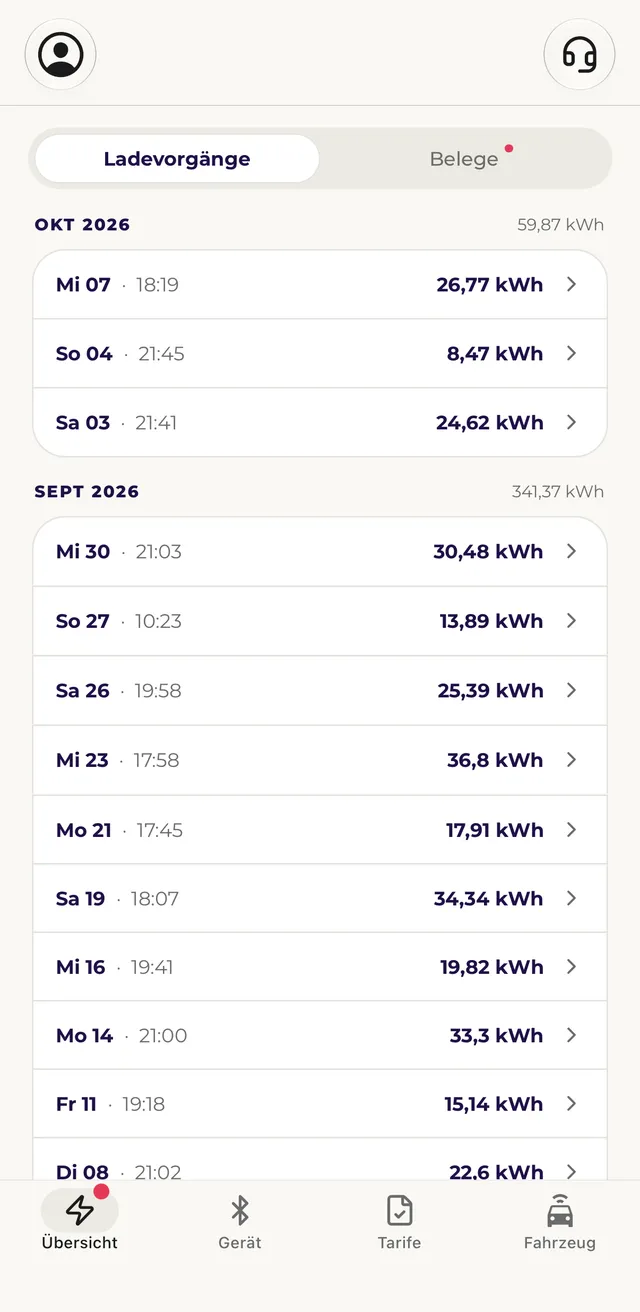
Charging sessions
Every charge at home with date, energy and cost.
-
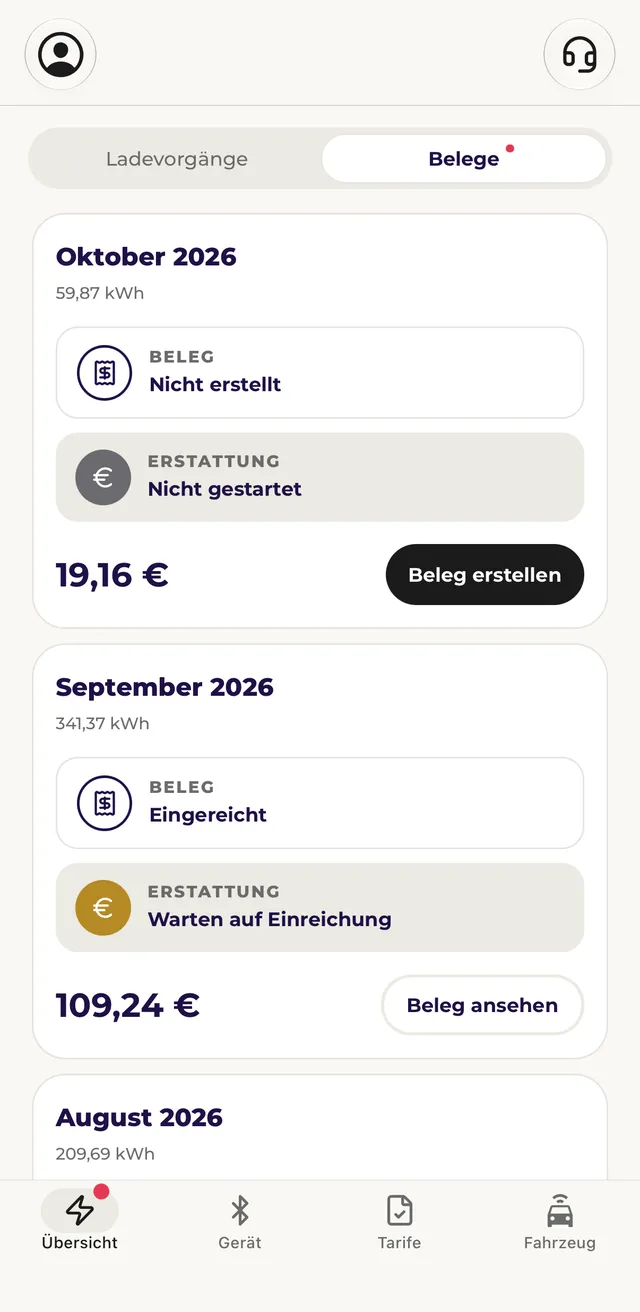
Receipts
The receipt for each month, with the status of receipt and reimbursement.
-
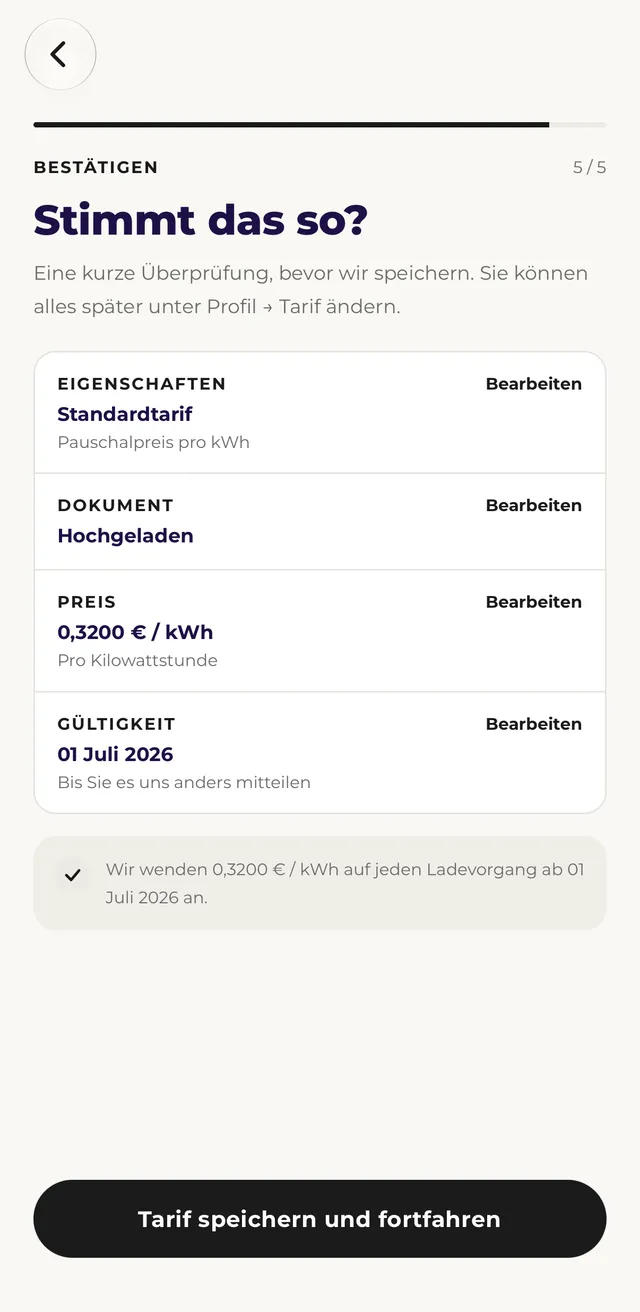
Electricity tariff
The stored electricity tariff with proof and price per kWh.
From charging to reimbursement
The whole process, step by step.
-
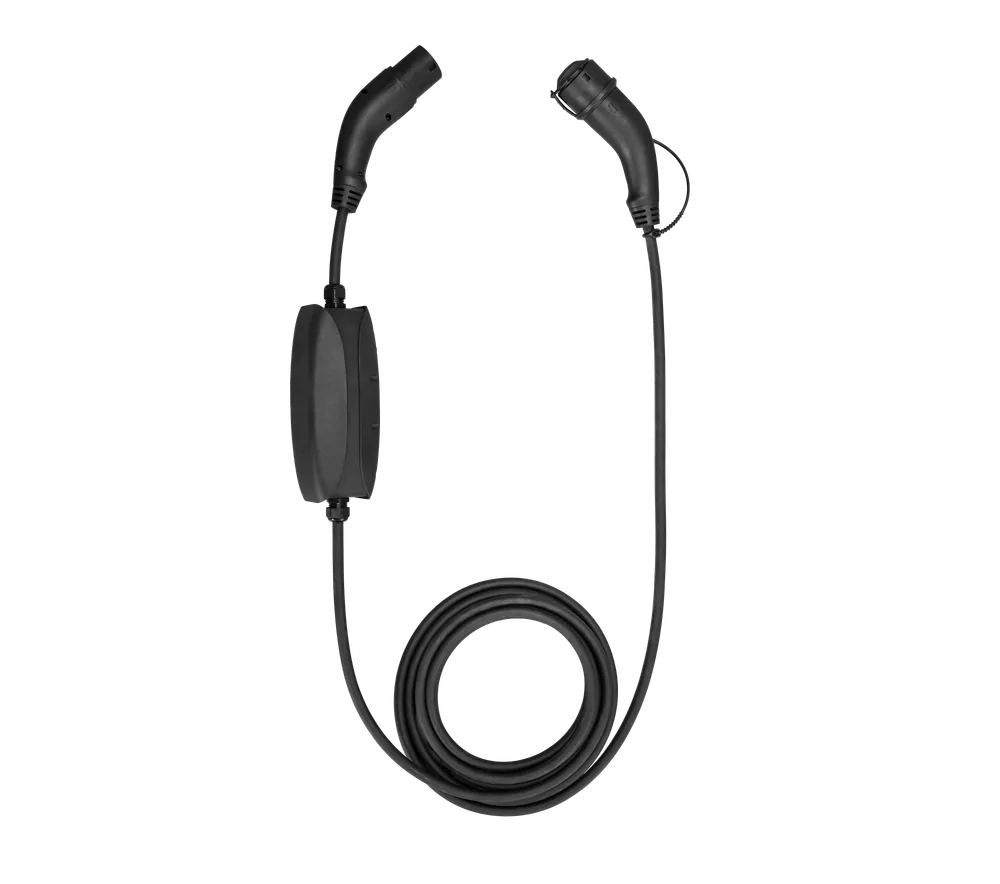
The metering device precisely measures every charge and sends it to the app via Bluetooth.
-
The app shows at any time what was charged at home and how much of it is reimbursed.
-
The amount is paid into the bank account. The app shows at a glance what has already been reimbursed.
Ready to go in under 5 minutes
Drivers add their electricity tariff in six short steps.
-
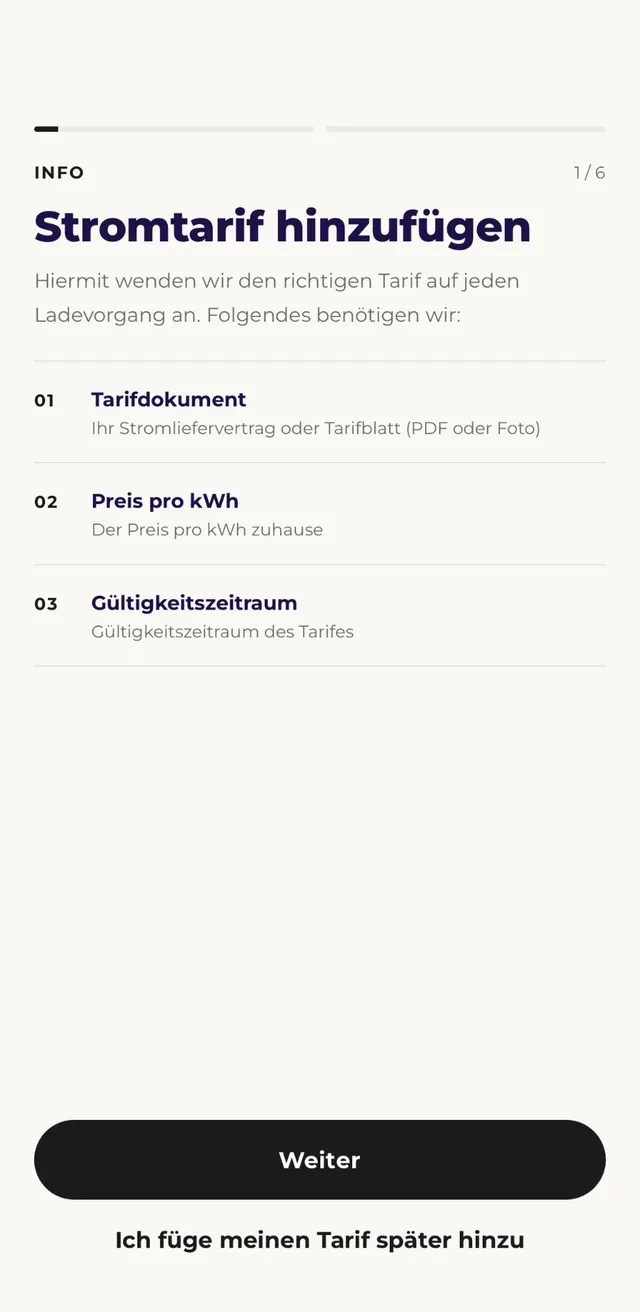
What’s needed
Tariff document, price per kWh and validity. That’s all it takes.
-
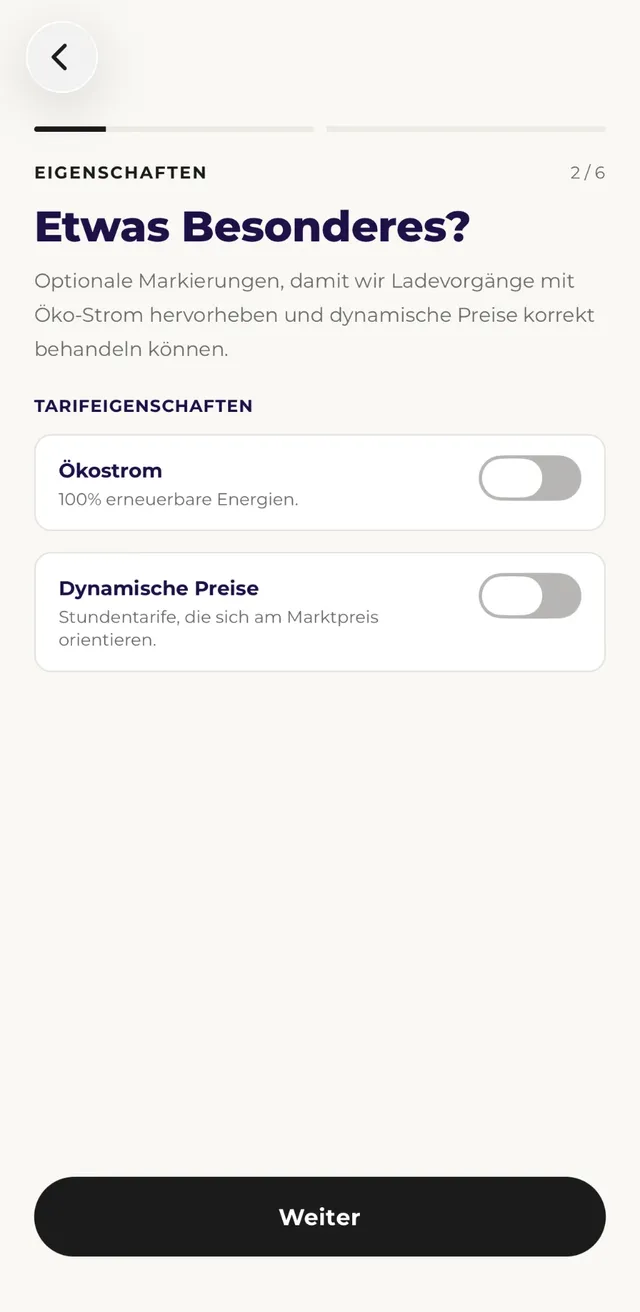
Green or dynamic
One switch per property, so green electricity and dynamic prices are counted correctly.
-
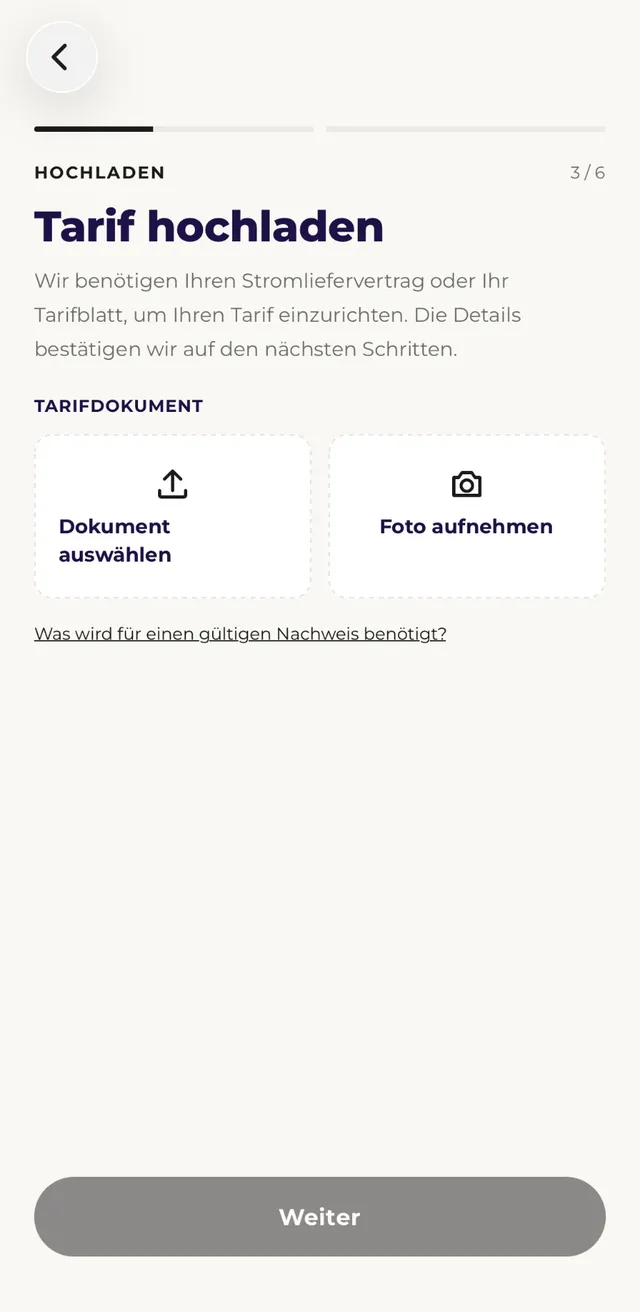
Upload tariff (optional)
Contract or tariff sheet as a PDF or photo, LOCIO reads the details automatically. Without an upload, the flat electricity rate applies.
-
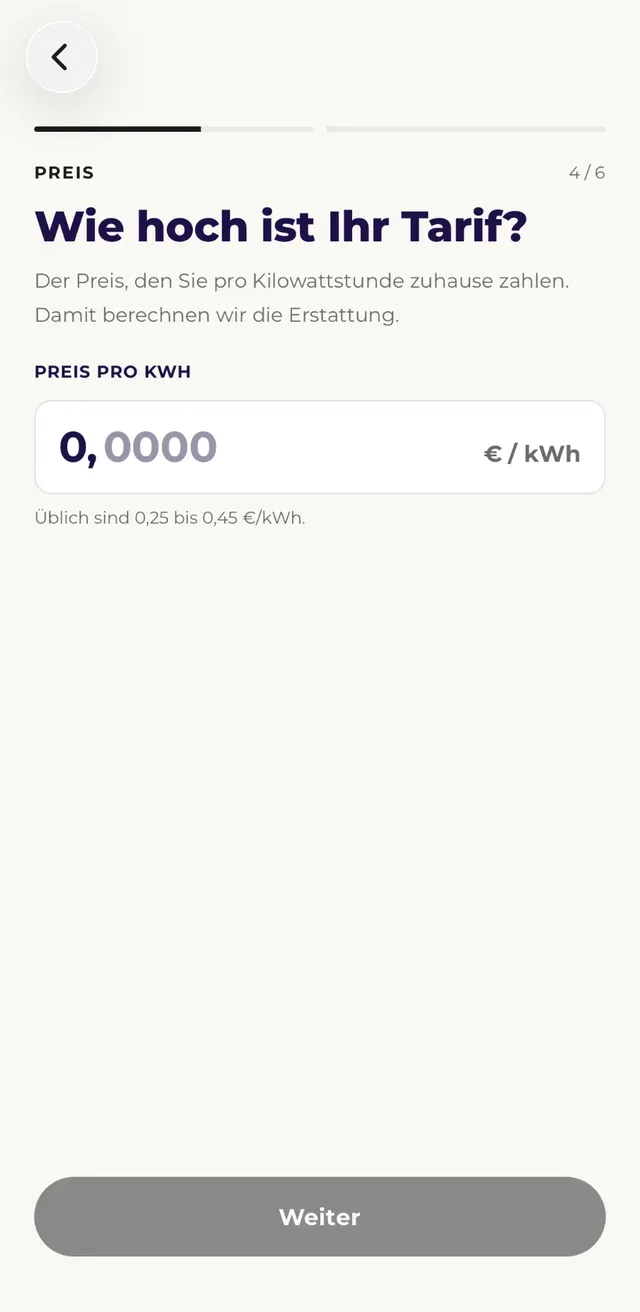
Price per kWh
Confirm the price at home. Every charge is reimbursed on this basis.
-
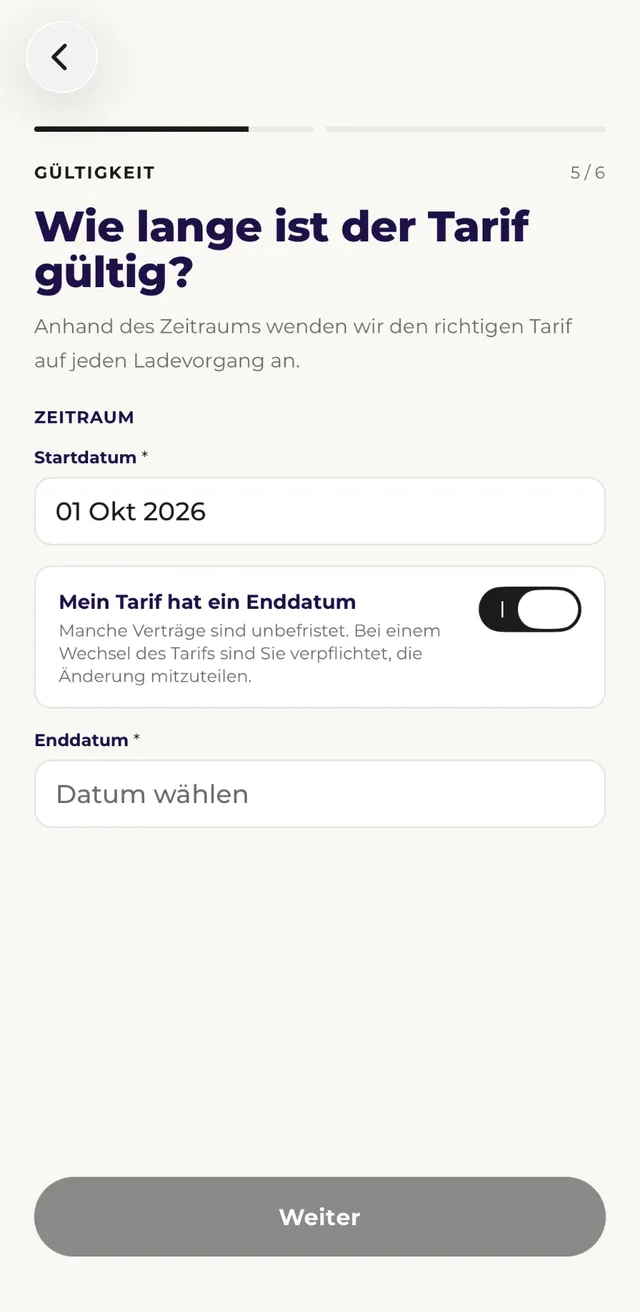
Validity
Start date and, if there is one, end date. So every charge uses the right tariff.
-
Confirm and done
All details at a glance, confirm once. This only happens once.

“Working with LOCIO has been positive throughout, fast, uncomplicated onboarding and professional service in day-to-day operation. Thanks to LOCIO, I was able to use my existing wallbox for my company car as well, completely hassle-free, without any retrofitting or technicians. I can recommend LOCIO without reservation!”
One software. Everything works together
Metering device, vehicle connection, app and dashboard all work with the same data.
- LOCIO Dashboard Where charging data, receipts and reimbursement come together for fleet and finance.
- LOCIO Hardware Precisely measures every charge at home with an MID meter and sends it to the app via Bluetooth.
- Vehicle connection Reads the odometer directly from the car manufacturer, no hardware needed. Drivers don’t have to type it into the app.
Questions about the LOCIO App
What do drivers have to do?
They upload proof of their electricity tariff in the LOCIO app once. After that, the metering device and the app match up the charging sessions, and after the end of each month the drivers approve the finished receipt. The app takes care of the rest.
To the LOCIO AppHow does billing work with different electricity tariffs?
Each driver adds their own tariff in the LOCIO app, and LOCIO multiplies the energy price per kWh by the measured amount. LOCIO matches the proof of tariff in the tariff check, and the fleet decides how often it has to be renewed. With dynamic tariffs, drivers upload their provider’s monthly statement after each month. The standing charge is not reimbursed. Alternatively, your company bills at the flat electricity rate (2026: 34 cents, from 2027: 32 cents per kWh), in which case no proof of tariff is needed. The choice applies for one calendar year.
Policies in the dashboardWhich devices is the LOCIO App available for?
For iPhone (App Store) and Android (Google Play). Drivers receive the app on behalf of their employer.
For more questions about using LOCIO, visit the Help Center