Odometer readings straight from the vehicle
The vehicle connection reads the odometer via the manufacturer, no hardware needed. Your drivers no longer have to type anything in.
Odometer readings without typing
For mileage logging and plausibility checks.
-
Via the manufacturer’s interface into the LOCIO app. No more manual entry.
-
Select the brand, grant access, back to the app. The driver grants access.
-
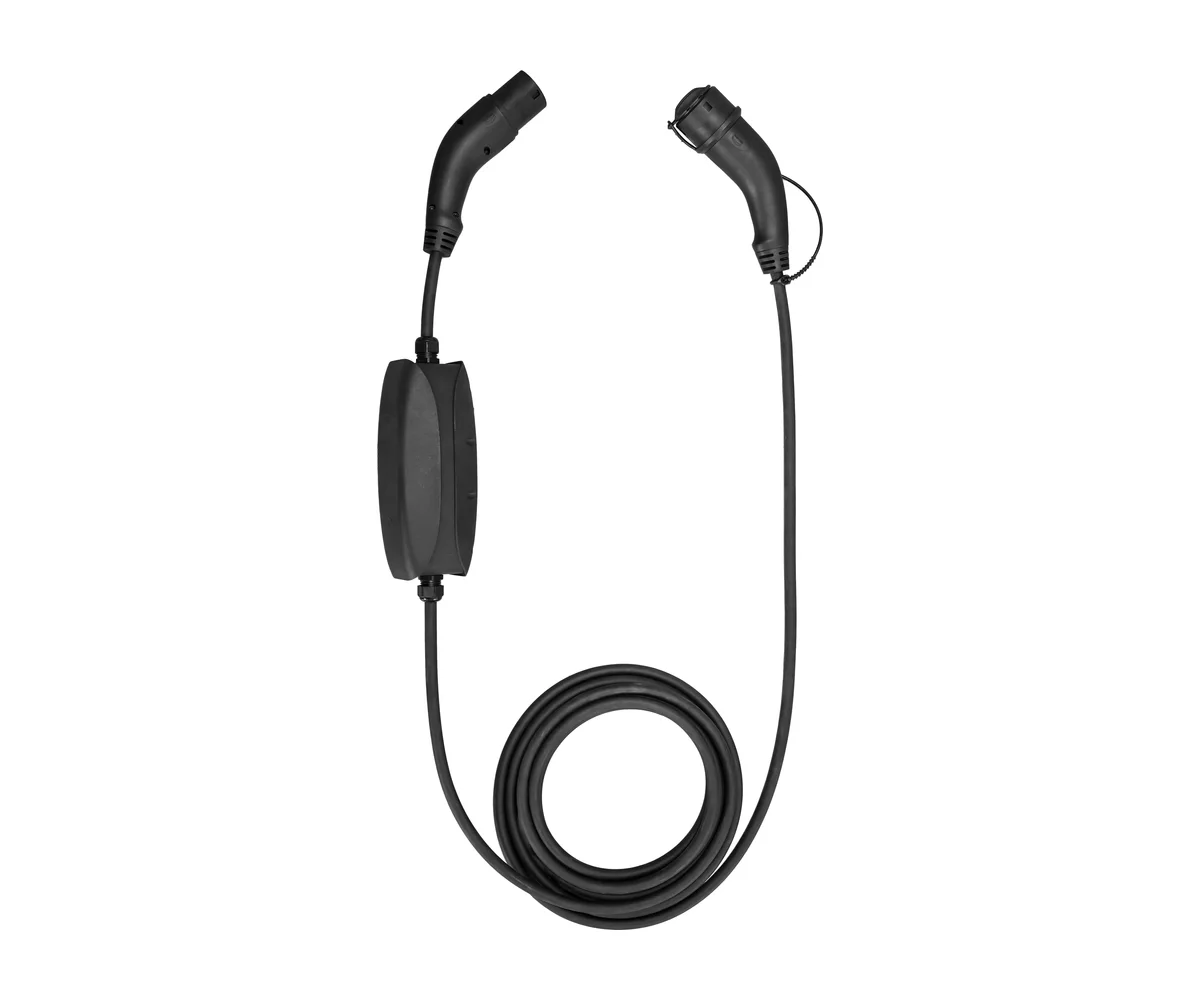
The vehicle connection does not measure electricity. For the charging costs, you need LinkOne or LinkTwo.
Check your vehicles
Search by brand or model. Compatibility is decided by the vehicle manufacturer.
Are your vehicles supported? 517 model variants from 31 brands
Brands: Alfa Romeo, Audi, BMW, BYD, Citroen, Cupra, Dacia, DS, Fiat, Ford, Hyundai, Jaguar, Jeep, Kia, Land Rover, Mazda, Mercedes-Benz, MG, MINI, Nissan, Opel, Peugeot, Polestar, Porsche, Renault, SEAT, Skoda, Tesla, Vauxhall, Volkswagen, Volvo
Data as of 17 Nov 2026. Whether a vehicle can be connected is decided by the manufacturer. BMW and MINI do not currently provide the odometer reading.
One software. Everything works together
Metering device, vehicle connection, app and dashboard all work with the same data.
- LOCIO Dashboard Where charging data, receipts and reimbursement come together for fleet and finance.
- LOCIO App Drivers add their electricity tariff and see charging sessions, receipts and reimbursement.
- LOCIO Hardware Precisely measures every charge at home with an MID meter and sends it to the app via Bluetooth.
Questions about the vehicle connection
Does the vehicle connection measure the charging electricity?
No. The vehicle connection only reads the odometer. For the charging costs, you need a metering device, LinkOne or LinkTwo.
To the metering devicesWhich vehicles are supported?
517 model variants (electric and plug-in hybrid) from 31 brands. Data as of 17 Nov 2026. Whether a vehicle can be connected is decided by the manufacturer. BMW and MINI do not currently provide the odometer reading.
Check vehiclesWhat do you need for the vehicle connection?
A supported vehicle (manufacturer and model), an account with the vehicle manufacturer and approval by the driver in the app.
What does the vehicle connection cost?
If you are interested, just get in touch and we will send you an offer for your fleet.
Enquire nowFor more questions about using LOCIO, visit the Help Center